Master Multiple Accounts withAdorack Workspace
Experience the Best Social Media Workspace for Agencies 2026. Our social media management workspace boosts efficiency by centralizing creation, scheduling, and publishing within one powerful platform.
What is Adorack Workspace
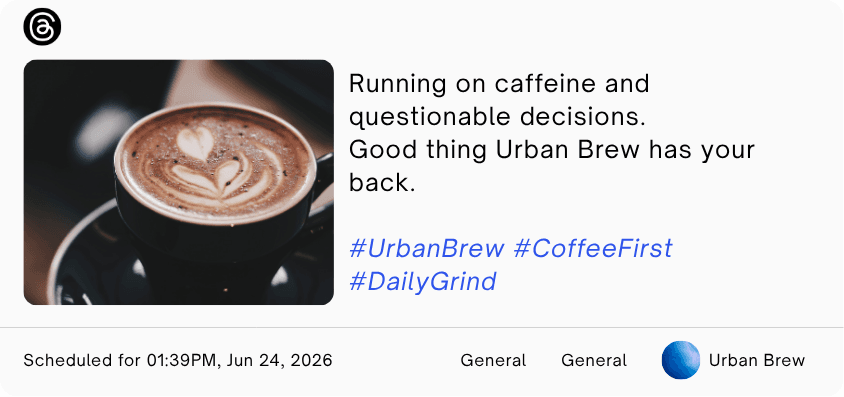
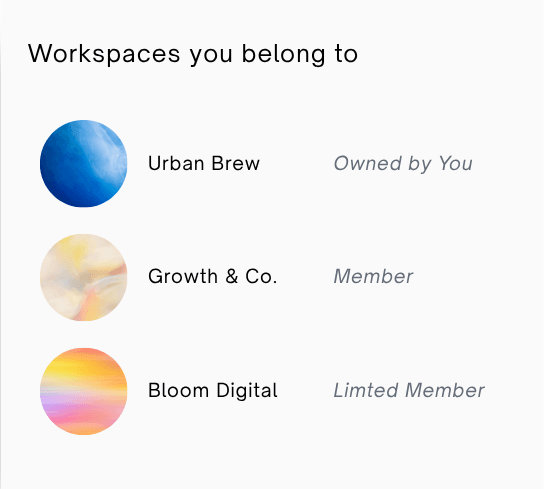
An Adorack workspace acts as a centralized hub where your entire team collaborates to complete tasks efficiently. Much like a high-performance social media management workspace, it serves as a unified platform to manage multiple social media accounts, schedule posts, and monitor progress in real time.
Everything you need for organization and execution is gathered into one seamless, all-in-one environment.
Creating and managing an Adorack workspace allows you to set up multiple environments under different names within a single organization. This feature is essential for those who need to manage multiple social media accounts for various brands and clients separately and efficiently.
By providing a dedicated social media management workspace for each project, you ensure that content and strategy remain organized without any overlap.
Manage Your Entire Social Media Workflow with Adorack Workspaces
Adorack Workspace is a powerful social media workspace that integrates essential features to manage your entire social media workflow. Key tools include a content library, publishing calendar, and team access, allowing you to manage multiple social media accounts efficiently from one centralized hub.
This team collaboration workspace ensures that every post, from personal updates to large-scale campaigns, is handled with precision and speed.
By consolidating your tools, you eliminate platform fatigue and allow your creative team to focus on high-impact strategy rather than manual tasks.
Members
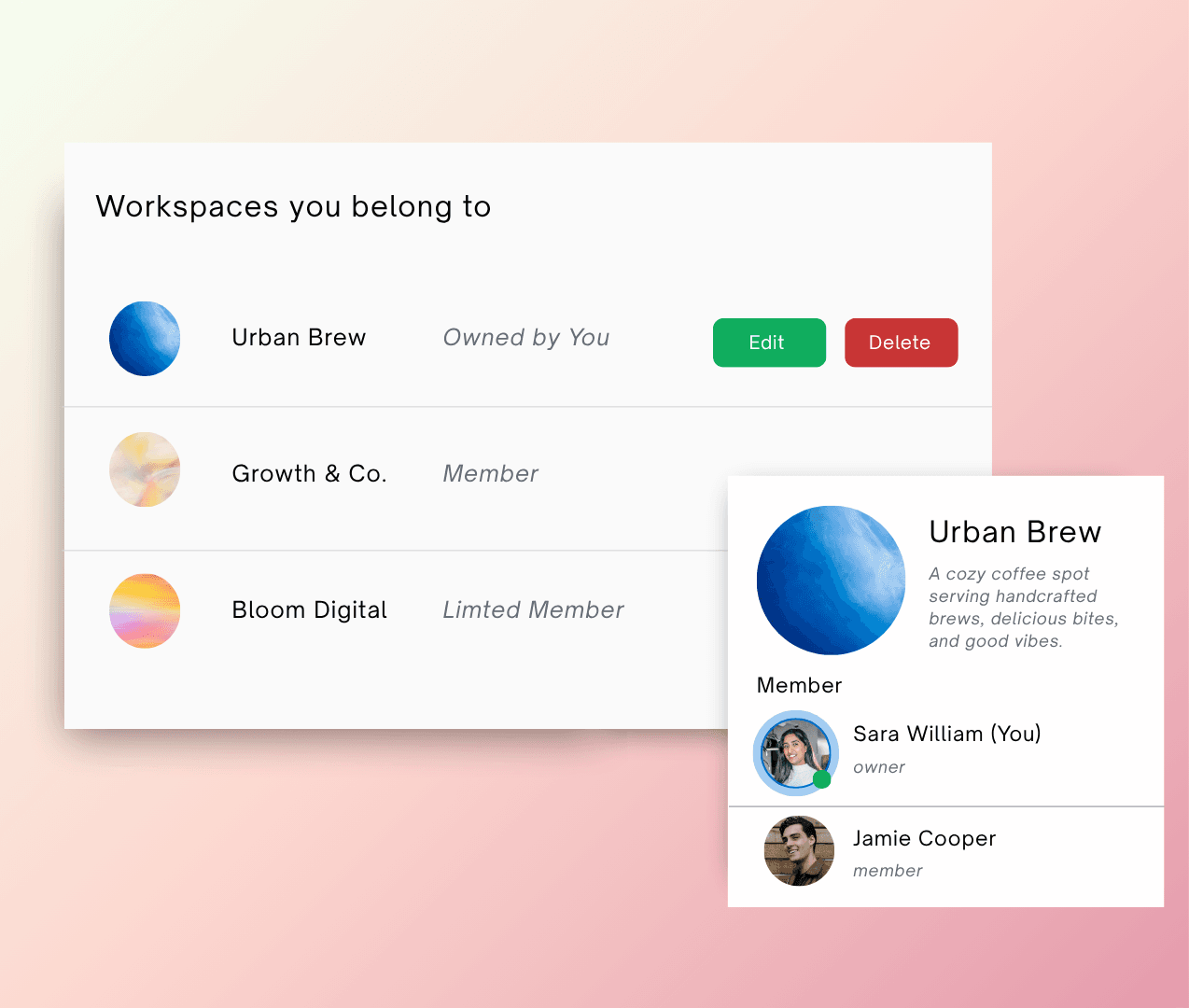
Invite your teammates and give them role-based access to your account.
Invite Team Members and Manage Roles with Adorack Workspace
In this team collaboration workspace, owners can invite members to join and collaborate under a single admin's oversight. As you manage multiple social media accounts, the workspace admin oversees workflows and assigns specific roles to ensure clear accountability.
This structure makes Adorack the best social media workspace for teams looking to maintain high standards and precise control. Beyond basic role assignment, this setup prevents overlap and ensures that every post is reviewed by the right eyes before going live.
By centralizing these permissions, your agency can scale operations without sacrificing the security or quality of your brand voice.
Adorack Workspace has significantly boosted the productivity of my social media management. It seamlessly handles everything from content creation and storage to scheduling, providing all the essential tools I need in one place.

Types of members in your workspace
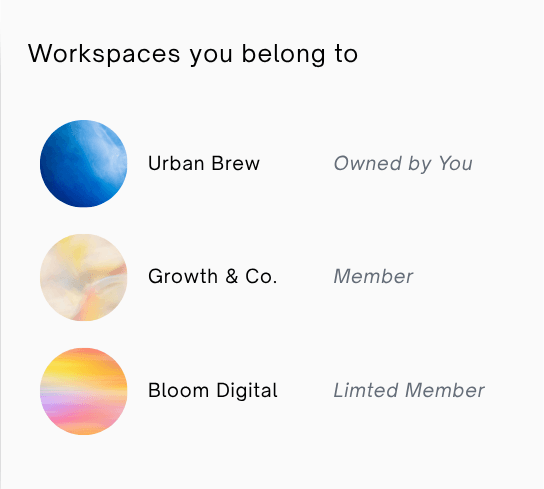
Workspace Roles & Permissions
Workspace & Member Limits
The number of workspaces you can create and the total member seats available across all workspaces are based on your chosen plan. You may invite team members to occupy these seats and allocate them to any workspace as required.
Leave the workspace
You can choose to leave a workspace at any time if you no longer wish to collaborate with its members. Once you exit, your profile will be completely removed from that workspace and it will no longer appear on your dashboard.
Adorack Marketing
Owned by you
Jeyam Tech
Owned by you
Laneaway
Limited Member
Start for Free
Learn the platform in less than an hour.
Become a power user in less than a day.